 RillChat
Add a visitor entry point
Create a widget-based website channel to embed chat on a page. To use an existing navigation item or button, create a link-based channel instead.
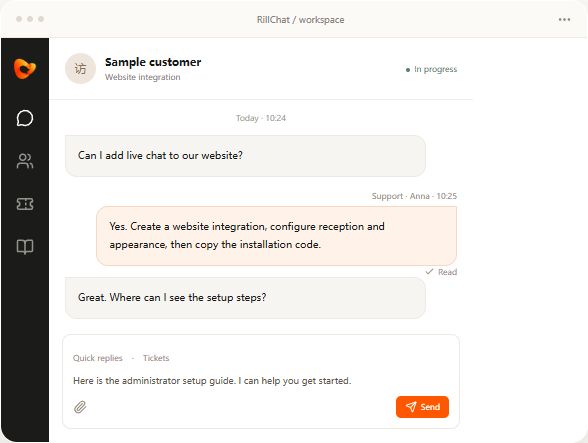
RillChat adds live chat to websites and mobile web pages. Visitors start a chat on your site and agents respond from the conversation workspace. An enabled offline form lets visitors leave a message when agents are unavailable.
Create a widget-based website channel to embed chat on a page. To use an existing navigation item or button, create a link-based channel instead.
Choose the skill group for the channel in its reception settings. Agents can review conversation history, update customer details, and create tickets on plans that include ticketing.
Attach and enable a visitor message form for the channel. Your team can review submissions in the merchant workspace and follow up.
Yes. Free includes one agent seat, one website, and up to one concurrent conversation.
Use Window style on the website channel to configure colors, the chat window, and the floating launcher. Available settings depend on the channel and plan.